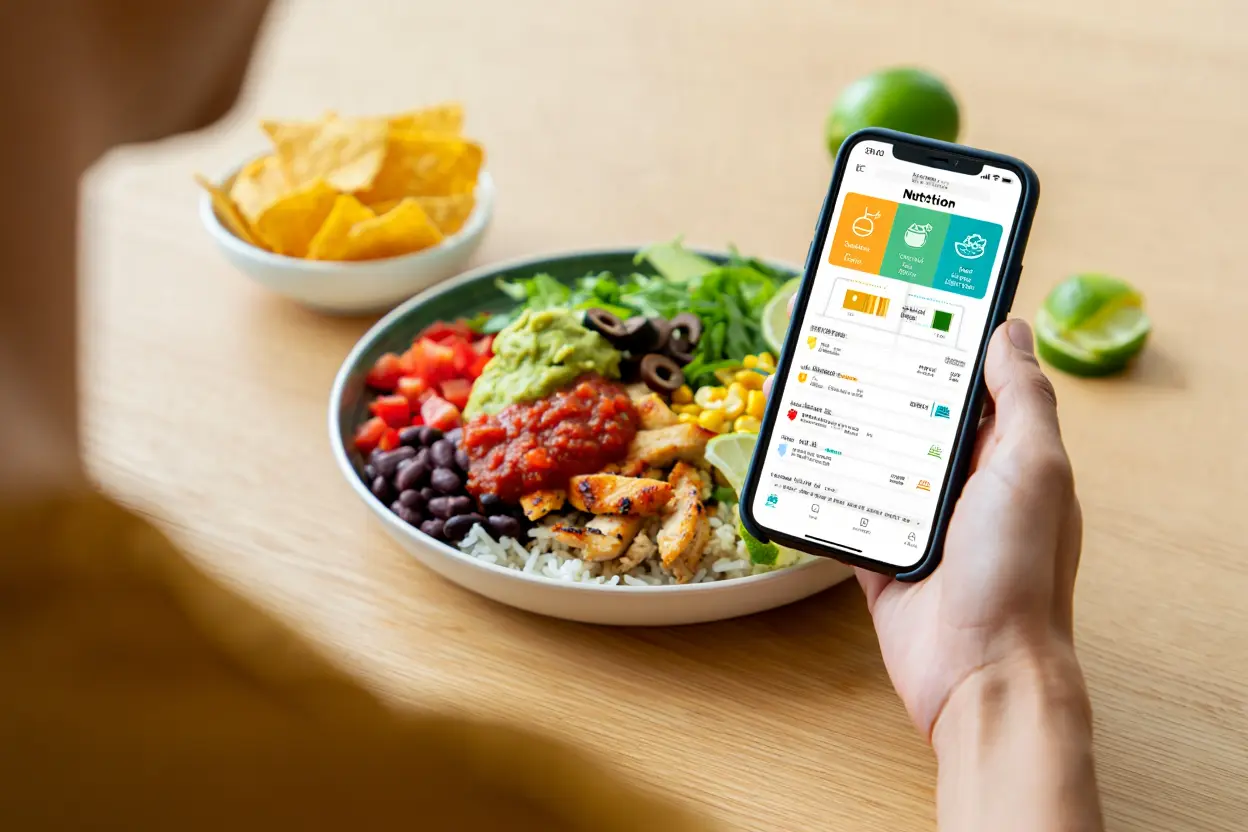
Ordering at Chipotle feels healthy until you look at the numbers. A burrito bowl that seems reasonable can quietly pack over a thousand calories, and most people have no idea. That is exactly why a Chipotle Nutrition Calculator has become an essential tool for anyone who eats there regularly.
Instead of guessing, you can build your exact order ingredient by ingredient and see the real calories, protein, fat, carbs, and sodium before you ever reach the counter. In this 2026 guide, we will show you how these calculators work, which ingredients drive the numbers up or down, and how to build meals that actually fit your goals, whether you are cutting, bulking, or just trying to eat a little smarter.
What Is a Chipotle Nutrition Calculator?
A Chipotle Nutrition Calculator is an interactive tool that lets you select each item in your order, from the tortilla to the last scoop of salsa, and instantly totals up the nutrition facts. Chipotle publishes official nutrition data for every ingredient, and the calculator simply does the arithmetic for you. Add chicken, and it adds 180 calories and 32 grams of protein. Add a large tortilla, and it adds 320 calories. The running total updates with every choice, so there are no surprises.
The official version lives on Chipotle’s own website, and it is the most trustworthy option because the numbers come straight from the company. Several third-party versions exist as well, some with nicer interfaces or extra features like saving favorite meals. For accuracy, the official calculator is the gold standard, but the independent ones are usually close enough for everyday planning.
Why does this matter so much at Chipotle specifically? Because the restaurant’s whole concept is customization. A burrito can range from under 500 calories to well over 1,500 depending on your choices. Without a calculator, even nutrition-savvy people routinely underestimate their orders by several hundred calories. The calculator turns vague intentions into concrete numbers.
How to Use a Chipotle Nutrition Calculator Step by Step
Using a Chipotle Nutrition Calculator takes about two minutes once you know the flow. Start by choosing your base: burrito, bowl, tacos, salad, or quesadilla. The base alone makes a huge difference. A flour tortilla adds 320 calories before any filling, while a bowl starts at zero and a salad starts with just the greens.
Next, add your protein. Chicken and steak are the lean classics. Barbacoa and carnitas bring richer flavor with a bit more fat. Sofritas, the plant-based option, keeps calories moderate while adding solid protein. The calculator shows each protein’s full profile, so you can compare them side by side instead of relying on reputation.
Then come rice, beans, and fajita veggies. White and brown rice are close in calories, with brown offering slightly more fiber. Black beans and pinto beans both add protein and fiber for modest calories. Fajita veggies are one of the best deals on the menu: just 20 calories for a big scoop of peppers and onions.
Toppings are where orders quietly explode. Cheese adds 110 calories, sour cream adds 110, and guacamole adds 230. None of these are villains, but stacking all three adds 450 calories that many people never account for. Salsas, by contrast, are nearly free in calorie terms and add real flavor. The calculator makes these trade-offs visible, which is the whole point.
Finally, review the totals and adjust. This is where the tool earns its keep. Swap sour cream for extra salsa and watch 90 calories disappear. Drop the tortilla in favor of a bowl and save 320. Small changes, guided by real numbers, add up to a meaningfully different meal.
Chipotle Nutrition Calculator: The Highest-Calorie Ingredients to Watch
Every Chipotle menu has a few ingredients that dominate the calorie count. The large flour tortilla is the biggest single item at 320 calories, which is why bowls are such an easy win for anyone cutting back. Chips are another heavy hitter: a full bag of chips adds 540 calories, and the large chips with large guacamole combination reaches nearly 1,000 calories before you have even started your meal.
Among proteins, carnitas and barbacoa run higher in fat than chicken or steak, though the differences are modest enough that flavor preference can reasonably win. Queso blanco is delicious and also dense, at 120 calories per serving with significant saturated fat. None of this means you must avoid these items. It means you should know what they cost and decide deliberately, which is precisely what a Chipotle Nutrition Calculator helps you do.
Dressings and extras on salads deserve attention too. The chipotle-honey vinaigrette adds 220 calories, more than many people expect from a drizzle. If you love it, keep it, but measure the trade against the rest of your meal. Knowledge turns these from hidden traps into conscious choices.
Chipotle Nutrition Calculator: Building a High-Protein Chipotle Meal
For gym-goers and anyone focused on protein, Chipotle is genuinely one of the best fast-casual options available, if you order strategically. A double-chicken bowl with black beans, fajita veggies, and fresh tomato salsa can deliver over 80 grams of protein for around 800 calories. That is an outstanding ratio that few restaurant meals can match.
The calculator is invaluable here because protein targets require precision. Guessing might leave you 20 grams short of your goal or 300 calories over your budget. Build the meal in the calculator first, check the protein total, and adjust portions until the numbers line up. Many lifters save two or three go-to configurations and reorder them without thinking.
A few protein-maximizing tips: double protein is the single most effective upgrade, adding roughly 150 to 200 calories for an extra 25 to 30 grams of protein. Beans are the cheapest protein on the menu in both money and calories. And do not overlook the small things: a side of extra chicken on a salad can turn a light lunch into a serious post-workout meal.
Chipotle Nutrition Calculator: Building a Low-Calorie Chipotle Meal
On the other side, a Chipotle Nutrition Calculator shines for weight loss. The formula is straightforward: bowl instead of burrito, load up on fajita veggies and salsas, pick one smart protein, and be selective with cheese, sour cream, and guac. A chicken bowl with brown rice, black beans, fajita veggies, and fresh tomato salsa lands around 600 to 650 calories with excellent nutrition.
Salads can work too, but watch the dressing. A salad with chicken, beans, veggies, and salsa stays light, while adding vinaigrette and cheese can push it past a burrito. The calculator exposes this instantly, which is why checking before ordering beats regretting after.
Tacos are a middle path worth considering. Three tacos with corn tortillas give you portion structure that a bowl lacks, and corn tortillas are lighter than flour. Build them with chicken, veggies, and salsa, and you have a satisfying meal that stays well under 700 calories.
Chipotle Nutrition Calculator for Special Diets
Keto eaters can build effective Chipotle meals by skipping rice, beans, and tortillas entirely. A salad or bowl with double meat, fajita veggies, cheese, sour cream, and guacamole keeps carbs very low while staying filling. The calculator’s carb counter makes it easy to confirm you are in range before ordering.
For vegans and vegetarians, sofritas is the headline protein, and the calculator confirms it fits a plant-based plan at 150 calories per serving. Combine it with brown rice, black beans, veggies, and guacamole for a complete meal. Just note that the vinaigrette contains honey, so strict vegans should stick with salsas.
Gluten-free diners have plenty of options: bowls, salads, and tacos with corn tortillas are all naturally gluten-free, though cross-contact in the kitchen is always possible. The calculator will not warn you about allergens beyond the nutrition numbers, so check Chipotle’s allergen guide separately if you have celiac disease or a serious allergy.
For sodium watchers, Chipotle is challenging. Many ingredients are salted generously, and a full meal can easily exceed 1,500 milligrams of sodium. The calculator shows sodium per ingredient, letting you identify the biggest contributors. Choosing fresh salsas over processed toppings and skipping chips are the most effective reductions.
Common Mistakes People Make Without a Calculator
The most common mistake is the healthy halo: assuming that because Chipotle uses fresh ingredients, any order must be healthy. Fresh does not mean low-calorie. A burrito with carnitas, white rice, cheese, sour cream, and guac is made from real ingredients and still contains more calories than two Big Macs. The calculator punctures this illusion with arithmetic.
The second mistake is underestimating extras. Chips feel like a side, but a regular chips-and-guac order adds nearly 800 calories. Drinks add more: a large soda contributes around 300 calories of pure sugar. When people say their diet failed despite eating clean, uncounted extras are often the explanation.
The third mistake is portion blindness. Chipotle is famous for generous servings, and the nutrition data assumes standard portions. If your server is heavy-handed with the rice or cheese, your actual meal may exceed the calculator’s estimate. For the most careful tracking, consider asking for light portions of the calorie-dense items.
Meal Prep Ideas Using Calculator Data
Smart regulars use the Chipotle Nutrition Calculator as a planning tool, not just a one-time checker. Build your ideal meal once, save the configuration, and reorder it consistently. This removes daily decision fatigue and keeps your nutrition on track without constant effort.
Another approach is the weekly template. Design three bowls: a high-protein training day bowl, a moderate everyday bowl, and a light rest-day bowl. Rotate them through the week based on your activity. The calculator gives you the exact numbers for each, turning vague healthy eating into a concrete system.
Families can use it too. Kids’ meals at Chipotle are customizable, and the calculator helps parents build options with reasonable calories and sodium. Two tacos with chicken and mild salsa make a kid-friendly meal that most parents can feel good about.
How Accurate Is the Chipotle Nutrition Calculator?
The official calculator’s numbers come from laboratory analysis of standard portions, so they are accurate for the recipe as designed. Real-world accuracy depends on portioning. Studies of fast-casual restaurants consistently find that actual servings vary, sometimes significantly, from the standard. Your burrito might contain 20 percent more rice than the official serving.
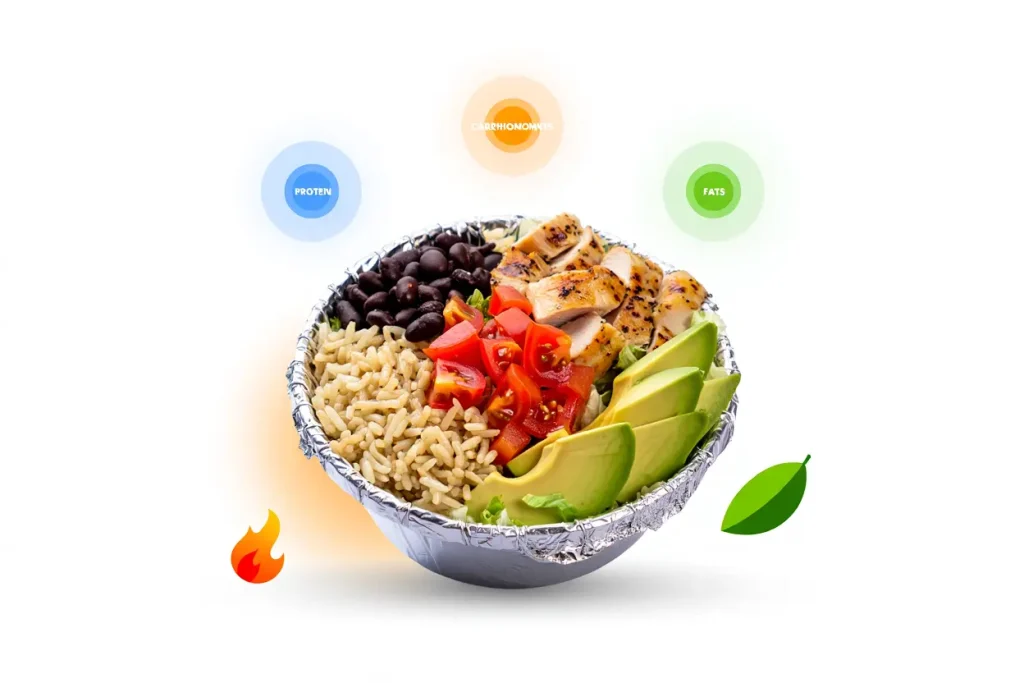
For most purposes, this level of accuracy is plenty. If you are tracking macros seriously, treat the calculator as a strong estimate rather than gospel, and consider that restaurant meals generally run 10 to 20 percent over listed values. For general healthy eating, the calculator is more than accurate enough to guide good decisions.
Third-party calculators sometimes lag behind menu changes. Chipotle occasionally adjusts recipes or introduces limited-time items, and unofficial tools may not update immediately. When precision matters, cross-check against the official calculator on Chipotle’s website.
Chipotle Nutrition Calculator and Weight Loss: Does It Actually Help?
Research on food tracking consistently shows that people who monitor what they eat lose more weight than those who do not. A Chipotle Nutrition Calculator fits naturally into this habit because it removes the hardest part of tracking restaurant meals: figuring out the numbers. Instead of guessing or skipping the entry, you get precise values in seconds.
The psychological effect matters as much as the arithmetic. When you see that your usual order contains 1,150 calories, the abstract goal of eating less becomes a concrete puzzle with visible solutions. Drop the tortilla, save 320. Swap queso for salsa, save 100. Each change is a small win, and small wins sustain motivation far better than vague intentions.
That said, the calculator is a tool, not a diet plan. It tells you what is in your food; it does not tell you what you should eat. Pair it with a sensible calorie target and a balanced approach to nutrition, and it becomes genuinely powerful. Use it obsessively to justify extreme restriction, and it becomes counterproductive. Like any measurement tool, its value depends on the mindset of the person using it.
Comparing Chipotle to Other Fast-Casual Chains
How does Chipotle stack up nutritionally against its competitors? The honest answer is that it depends entirely on your order, which is both Chipotle’s strength and its trap. A carefully built bowl can outperform almost any fast-casual competitor on protein per calorie. A loaded burrito with chips can underperform them badly.
Compared to a typical burger chain, Chipotle offers far more control. You cannot easily remove 300 calories from a fixed burger, but you can transform a Chipotle order with two or three swaps. Compared to salad-focused chains, Chipotle holds its own on freshness while offering more satisfying protein portions. The calculator is what lets you verify these comparisons instead of relying on marketing.
The broader lesson is that the restaurant matters less than the order. Any chain can produce a reasonable meal or a calorie bomb. Chipotle’s advantage is transparency: published ingredients, a reliable calculator, and a format that rewards informed choices.
Tips for Ordering Like a Nutritionist
Professionals who understand the numbers tend to follow a few consistent principles. They decide on the meal’s job first: fuel a workout, stay light for the afternoon, or simply enjoy dinner. Then they build backward from that goal using the calculator. This goal-first approach beats the common habit of ordering by craving and rationalizing afterward.
They also treat the calorie-dense toppings as condiments, not foundations. A spoonful of guacamole for flavor is different from a full serving plus cheese plus sour cream. The calculator lets you see exactly where the line sits for your goals.
Finally, they plan the whole day, not just the meal. A 900-calorie Chipotle bowl is perfectly reasonable inside a 2,200-calorie day and problematic inside a 1,600-calorie day. Context turns numbers into decisions.
Quick Reference: Best and Worst Swaps
Some swaps deliver outsized results. Bowl instead of burrito saves around 320 calories. Corn tortillas instead of flour save about 200 across three tacos. Salsa instead of queso saves roughly 100. Fajita veggies instead of extra rice save about 150 while adding nutrients. Water or unsweetened iced tea instead of soda saves 200 to 300. Memorize these five, and you can improve almost any order without the calculator in hand.
Saving Money While Eating Smart
Nutrition and budget can work together at Chipotle. Beans and rice are the cheapest calorie sources on the menu and also among the most nutritious. A veggie or sofritas bowl costs less than a meat bowl while delivering solid nutrition. Skipping chips, drinks, and extra guac saves both calories and several dollars per visit. Over a year of weekly visits, the savings are substantial.
Frequently Asked Questions
Where is the official Chipotle Nutrition Calculator?
The official calculator is on Chipotle’s website under the nutrition section. It is free, requires no account, and uses the company’s own tested nutrition data. Third-party versions exist with different interfaces, but the official one is the most current and trustworthy source.
How many calories are in a typical Chipotle bowl?
It varies enormously, from under 500 to over 1,200 calories depending on ingredients. A moderate chicken bowl with rice, beans, veggies, and salsa typically lands between 600 and 750 calories. A loaded bowl with double meat, cheese, sour cream, and guac can exceed 1,100. Build your exact order in the calculator for your real number.
What is the healthiest thing to order at Chipotle?
A salad or bowl with a lean protein, fajita veggies, beans, and fresh salsa is hard to beat. Keep the calorie-dense toppings light or skip them. But the healthiest order is the one that fits your goals and that you will actually enjoy, because the best meal plan is the one you follow.
Is Chipotle good for muscle building?
Yes, it is one of the better fast-casual choices for lifters. Double-protein bowls can deliver 70 to 90 grams of protein in a single meal. Use the calculator to hit your protein target without overshooting calories, and you have a convenient tool for bulking or recomposition phases.
Does Chipotle have low-sodium options?
Low-sodium dining at Chipotle is difficult but not impossible. Fresh salsas, fajita veggies, and plain proteins are your best bets. Avoid chips, processed toppings, and the vinaigrette. Check the sodium column in the calculator for your specific combination, since totals add up quickly.
When you’re getting started with Chipotle Nutrition Calculator, the biggest mistake is trying to do everything at once. The people who get the best results from Chipotle Nutrition Calculator start small, focus on one specific goal, and build from there. Think of Chipotle Nutrition Calculator as a skill you develop over time, not a switch you flip. Each week you spend working with Chipotle Nutrition Calculator, you’ll notice patterns in what works and what doesn’t.
Not every approach to Chipotle Nutrition Calculator is right for every person. Your budget, your experience level, and your end goal all shape which Chipotle Nutrition Calculator strategy makes sense for you. Someone exploring Chipotle Nutrition Calculator for the first time needs different guidance than someone who’s been using Chipotle Nutrition Calculator for months. The advice below assumes you’re past the absolute basics but still figuring out the details.
Final Thoughts
A Chipotle Nutrition Calculator turns one of America’s most customizable restaurants from a guessing game into an informed choice. Whether your goal is building muscle, losing weight, managing sodium, or simply understanding what you eat, two minutes with the calculator beats years of guessing.
The broader habit is what matters most. People who check before they order make better decisions, not because they have more willpower, but because they have better information. Build your go-to meals once, save them, and let the numbers guide you. Your future self, stepping on the scale or finishing a workout, will thank you.
Start today: open the calculator, build your usual order honestly, and look at the totals. Then make one swap. Just one. That single change, repeated across dozens of visits, is how real progress happens, one informed order at a time.