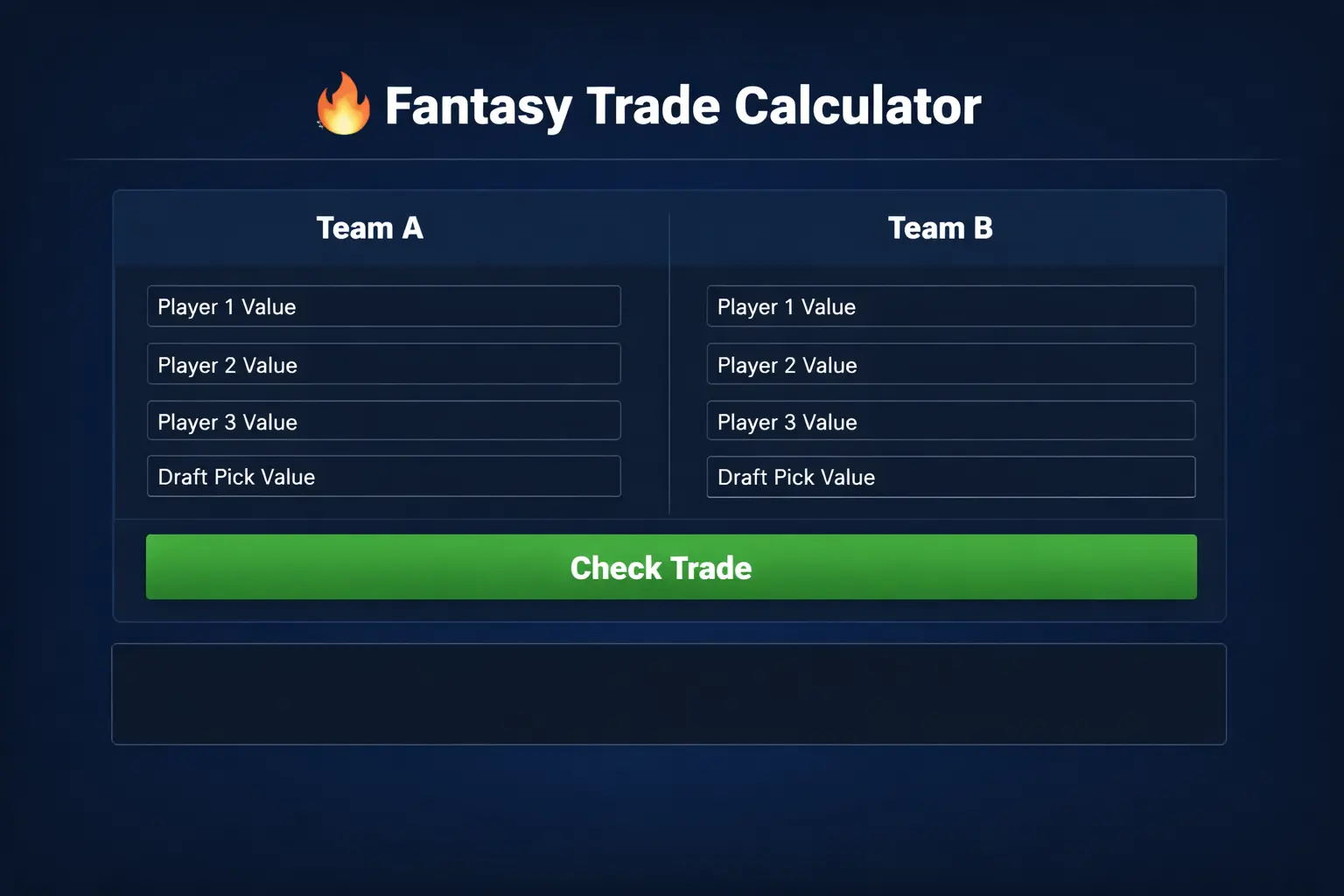
Free Fantasy Trade Calculator: Check Your Trade Instantly Before You Hit Accept
Every fantasy football manager has lived through this moment. Someone sends you a trade offer. It looks decent at first glance: you give up a running back, you get a wide receiver and a draft pick. But is it actually fair? Will you regret it by Week 6? A free fantasy trade calculator answers these questions in seconds. You plug in the players and picks on each side, and it tells you instantly whether the trade helps your team, hurts it, or is roughly even.
This guide covers everything you need to know about using a fantasy trade calculator effectively in 2026: what these tools do, how they value players, which free options are the most reliable, and how to go beyond the raw numbers to make trades that actually win leagues. Whether you play redraft, keeper, or dynasty, a fantasy trade calculator is one of the sharpest weapons in your arsenal.

What Is a Fantasy Trade Calculator?
A fantasy trade calculator is an online tool that evaluates the fairness of a proposed trade by assigning a numerical value to each player and draft pick involved. You enter the assets on each side of the deal, and the calculator compares the totals, showing you which side is getting more value and by how much.
The values are not random. A good fantasy trade calculator builds its valuations from a blend of expert rankings, projected statistics, average draft position data, and historical performance. Some calculators let you choose your scoring format (PPR, half-PPR, standard) and league size, because a player’s worth changes dramatically depending on these settings. A reception-heavy PPR machine is worth far more in full-PPR than in standard scoring, and any calculator worth using accounts for that.
Think of it as a neutral third party. Trade negotiations are emotional. You love your breakout running back. Your league mate is convinced his underperforming wide receiver is “due.” A fantasy trade calculator cuts through the bias with data, giving both sides a common language for the discussion.
The “free” part matters too. While some premium tools charge for advanced features, several excellent free fantasy trade calculator options exist that handle the core job perfectly well. For most managers, free is plenty.
How Does a Fantasy Trade Calculator Assign Player Values?
Understanding the methodology helps you interpret results wisely instead of treating the calculator as gospel. Here is how the numbers are typically built:
Expert consensus rankings: Most calculators start with aggregated expert rankings, which blend the opinions of dozens of analysts. This smooths out individual biases and captures the market’s collective wisdom about each player.
Statistical projections: Analysts project each player’s expected yards, touchdowns, receptions, and other stats for the season. These projections are converted into fantasy points based on your league’s scoring, forming the backbone of the valuation.
Positional scarcity: A good fantasy trade calculator accounts for the fact that positions are not equally deep. The gap between the 5th and 15th best running back is usually much larger than the gap between the 5th and 15th best quarterback. Elite players at scarce positions carry premium value.
ADP and market data: Average draft position shows what the fantasy community actually pays for players. Calculators use this as a reality check against pure projections.
Dynasty and keeper adjustments: In dynasty leagues, age and long-term outlook matter enormously. A 24-year-old rising star is worth far more than a 30-year-old veteran with similar redraft projections. The best dynasty-oriented calculators bake age curves into their values.
Pick valuations: Draft picks are assigned values based on the expected worth of the player likely available at that slot. Early picks are worth far more than late ones, and the calculator quantifies exactly how much more.
No calculator is perfect, because no model can predict injuries, breakouts, or coaching changes. But as a starting point for evaluation, a well-built fantasy trade calculator is far more reliable than gut feel.
Why You Should Never Accept a Trade Without a Fantasy Trade Calculator
Trading is where fantasy leagues are won and lost, and the managers who trade well share one habit: they check the numbers before they decide. Here is what a fantasy trade calculator protects you from.
The “name value” trap. Big-name players carry reputation value that exceeds their actual production. Your league mate offers you a famous veteran whose best years are behind him, and it feels like a steal because of the name. The fantasy trade calculator shows you what his projected output is actually worth right now, not three years ago.
Recency bias. A player who exploded last week feels like a must-have. A player who disappointed feels like dead weight. Both feelings are usually overreactions to small samples. The calculator anchors you to season-long value instead of last Sunday’s box score.
Unbalanced multi-player deals. Two-for-ones and three-for-twos are notoriously hard to evaluate mentally. You are giving up the best player but gaining depth. Is the depth worth it? A fantasy trade calculator does the arithmetic instantly, so you are not guessing.
Pick valuation errors. Most managers wildly misjudge draft pick values, usually overvaluing their own picks. The calculator gives you a concrete number, which is essential in dynasty and keeper leagues where picks are major currency.
Leaving value on the table. The calculator does not just prevent bad trades. It reveals opportunities. When you see that your bench player carries surprising value, you can shop him proactively instead of waiting for offers.
Best Free Fantasy Trade Calculator Options in 2026
Several strong free tools are available. Here is how to think about the landscape and what to look for.
What Makes a Great Free Fantasy Trade Calculator
Start with scoring customization. Your league’s scoring format fundamentally changes player values, so any fantasy trade calculator you use must let you select PPR, half-PPR, or standard, at minimum. League size matters too: in a 14-team league, replacement-level players are far worse than in a 10-teamer, which shifts values.
Update frequency is critical. Player values change weekly with injuries, depth chart moves, and performance trends. A calculator updated daily or at least weekly during the season is far more useful than one frozen in preseason. Check for a “last updated” indicator.
Dynasty and keeper support separates the good from the great. If you play dynasty, you need a fantasy trade calculator with age-adjusted values and pick valuations for rookie drafts. Redraft-only calculators will mislead you badly in dynasty contexts.
Ease of use matters more than you might think. You will use this tool in the middle of negotiations, sometimes on your phone. A clean interface with fast player search beats a powerful but clunky alternative.
Transparency is a plus. The best calculators explain their methodology or at least show the underlying values for each player, so you can sanity-check the results instead of trusting a black box.
Redraft vs. Dynasty Calculators
Make sure you are using the right type. A redraft fantasy trade calculator values players for this season only. A dynasty calculator factors in age, contract situations, and multi-year outlook. Using a redraft calculator for a dynasty trade, or vice versa, produces meaningless numbers. Many platforms offer both modes, so check which one you are in before trusting the output.
How to Use a Fantasy Trade Calculator: Step by Step
Step 1: Select your league settings. Before entering any players, set the scoring format, league size, and redraft or dynasty mode. This calibrates every value the fantasy trade calculator produces.
Step 2: Enter your team’s side. Add each player and pick you would be giving up. Be precise with names, especially for common ones, and specify pick rounds and years for draft picks.
Step 3: Enter the other side. Add what you would receive. Double-check that you have the right players, not similarly named ones.
Step 4: Read the verdict. The calculator shows each side’s total value and the difference. A small gap, typically under 5 to 10 percent, is essentially an even trade. Larger gaps favor one side clearly.
Step 5: Interpret, do not just obey. This is the crucial step most managers skip. The calculator gives you a data point, not a decision. Consider your roster needs, which we will cover next, before accepting or rejecting.
Beyond the Numbers: What a Fantasy Trade Calculator Cannot Tell You
A fantasy trade calculator is a powerful starting point, but winning managers know its limits. Here are the factors you must layer on top of the raw values.
Roster construction and need. The calculator values players in a vacuum. Your team does not exist in a vacuum. If you have three elite running backs and no startable wide receivers, trading a running back for a receiver at “equal value” is a massive win for you, even if the calculator calls it even. Need creates value that numbers miss.
Your record and timeline. A 6-1 team should value steady, high-floor veterans. A 2-5 team needs upside swings to save the season. A fantasy trade calculator does not know your record. Adjust for whether you need safety or lottery tickets.
Playoff schedules. Players with soft matchups during your league’s playoff weeks carry extra value that generic season-long projections underweight. Check Weeks 15 through 17 specifically when evaluating trades in the second half of the season.
Injury news and trends. Calculators update periodically, but news breaks hourly. If a starting running back just got hurt and his backup is in the trade offer, the calculator may not have caught up yet. You have an information edge, use it.
Your league’s trade market. Value is ultimately set by what your league mates will pay, not by a national consensus. If your league overvalues quarterbacks, that is the market you trade in. A fantasy trade calculator tells you what is fair in theory; your league’s tendencies tell you what is achievable in practice.
Positional runs and scarcity in your specific league. If six teams in your league are desperate for tight ends, the tight end in your offer is worth more to them than the calculator says. Scarcity is local, not just global.
Trade Negotiation Tactics That Pair With a Fantasy Trade Calculator
Knowing the fair value is only half the battle. Here is how to negotiate effectively once the fantasy trade calculator has given you the numbers.
Always start with the calculator privately. Before sending any offer, check it yourself. Know exactly where you stand. Never negotiate blind.
Send fair opening offers. Lowball offers poison negotiations and make managers refuse to deal with you all season. Use the calculator to craft an opening offer that is fair or slightly in your favor. You will get more deals done over a season with a reputation for fairness.
Use the numbers as neutral ground. When a league mate hesitates, sharing the calculator’s evaluation can break the deadlock. “The trade calculator has this as basically even” is a powerful, non-confrontational framing. It shifts the discussion from opinions to data.
Bundle to upgrade. The classic winning move: combine two good players for one great player. Calculators often show that the single elite player is worth slightly more than the pair, but the team getting the elite player usually wins the deal because elite production is harder to replace. Understand this dynamic and use it.
Buy low, sell high, systematically. Use the calculator to identify buy-low targets: good players with bad recent games whose value has dipped below their true worth. Similarly, identify sell-high candidates on your roster. The calculator’s steady valuations help you spot these gaps between perception and reality.
Do not fear the counter. A rejected offer is not a failed negotiation, it is information. The counter tells you what the other manager values. Run it through the fantasy trade calculator, adjust, and continue. Most completed trades take two or three rounds.
Common Fantasy Trade Calculator Mistakes
Mistake 1: Using redraft values in a dynasty league. This is the most expensive error. A 29-year-old receiver and a 23-year-old receiver might have similar redraft values but wildly different dynasty values. Always confirm the calculator mode.
Mistake 2: Ignoring scoring settings. A full-PPR reception magnet looks like a star in PPR valuations and a role player in standard. If you forget to set your scoring format, every number is wrong.
Mistake 3: Treating “even” as “good.” An even trade that does not address your roster needs is a wasted opportunity. The calculator measures fairness, not fit. You need both.
Mistake 4: Forgetting about picks’ real value. In dynasty, rookie picks are gold. Managers often toss them into deals casually. The fantasy trade calculator quantifies them, so check before you include a first-rounder as a throw-in.
Mistake 5: Checking once and never again. Values shift weekly. A trade that was fair in October may be lopsided by November. Re-run the calculator with fresh data before finalizing any deal.
Mistake 6: Letting the calculator veto your instincts entirely. Data is a tool, not a master. If you have strong, specific reasons to believe a player will outperform his valuation, and you have done the homework, trust your process. The calculator informs; you decide.
Dynasty League Trading With a Fantasy Trade Calculator
Dynasty trading deserves special attention because the stakes and complexity are highest here. Careers span years, picks represent unknown future stars, and a single bad trade can set your franchise back seasons.
In dynasty, always use a fantasy trade calculator built specifically for the format. Age curves matter enormously: running backs typically peak around 24 to 27, wide receivers around 26 to 29. A dynasty calculator discounts veterans appropriately and boosts young ascending players. It also values rookie draft picks using historical hit rates by pick slot.
When evaluating dynasty trades, think in terms of competitive windows. Are you contending now or rebuilding? A contender should happily trade future picks for win-now veterans, even if the calculator slightly favors the pick side on pure value. A rebuilder should do the opposite. The calculator gives you the baseline; your window determines the direction.
Pay special attention to quarterbacks in superflex and tight end premium leagues. These formats dramatically inflate the value of those positions, and only a properly configured fantasy trade calculator captures it. A quarterback who is an afterthought in single-QB redraft can be a franchise cornerstone in superflex dynasty.
Frequently Asked Questions About the Fantasy Trade Calculator
Are free fantasy trade calculators accurate? The best free options are quite good for baseline evaluations. They use the same core data, expert consensus, projections, and ADP, as many paid tools. Paid versions may offer deeper customization, but free handles the fundamentals well.
How often should I check trade values? At least weekly during the season, and always right before accepting or sending a significant offer. Values move with news, injuries, and performance.
Can a trade be fair but still bad for me? Absolutely. Fairness and fit are different things. An even trade that leaves you with four quarterbacks and one running back is a bad trade for your roster regardless of what the calculator says.
Should I show my league mate the calculator results? Often yes, especially to establish a fair starting point. It depersonalizes the negotiation. Just be aware that different calculators give slightly different values, so a savvy manager might counter with another tool’s numbers.
Do calculators work for keeper leagues? Yes, but configure carefully. Keeper leagues are hybrids: keepers have dynasty-like long-term value while the rest of the roster is redraft-like. Some calculators have keeper modes; otherwise, use dynasty values for potential keepers and redraft values for the rest.
What is a good trade differential to accept? As a rule of thumb, within 5 percent is essentially even. Up to 10 percent either way is a normal, completable trade. Beyond that, one side is winning clearly, which is fine if that side is yours and the fit is right.
Final Word: Make the Fantasy Trade Calculator Your Pre-Trade Ritual
Here is the habit that separates sharp managers from the rest: no trade offer gets sent, and no trade offer gets accepted, without a thirty-second check on a free fantasy trade calculator. It is the cheapest edge in fantasy football. It takes less time than reading a single advice article, and it prevents the kind of lopsided losses that ruin seasons.
But remember what the numbers are for. The fantasy trade calculator gives you the map, not the destination. Combine its valuations with your knowledge of your roster, your league’s tendencies, and the weekly news cycle. Negotiate fairly, target your needs, and never stop looking for the next deal. Do that consistently, and you will not just win trades, you will win leagues.