The daily workflow of a UI/UX designer involves a massive amount of brainstorming. Before writing a single line of code or setting up layout blocks in Figma, you have to establish visual mood boards, choose cohesive color palettes, and sketch out conceptual wireframes.
In 2026, Midjourney v6 and v7 have evolved into incredible design assets. Instead of spending hours browsing through Behance or Dribbble for inspiration, you can use specialized prompt structures to generate hyper-realistic mobile app interfaces, complex dashboards, and high-converting landing page layouts in seconds.
The trick to getting clean, professional UI mockups from Midjourney—without messy distortions or chaotic layouts—lies in using precise design terminology. In this guide, we have compiled over 20 copy-pasteable Best Midjourney Prompts for UI/UX Designers 2026 optimized to supercharge your design workflow completely for free.
Table of Contents
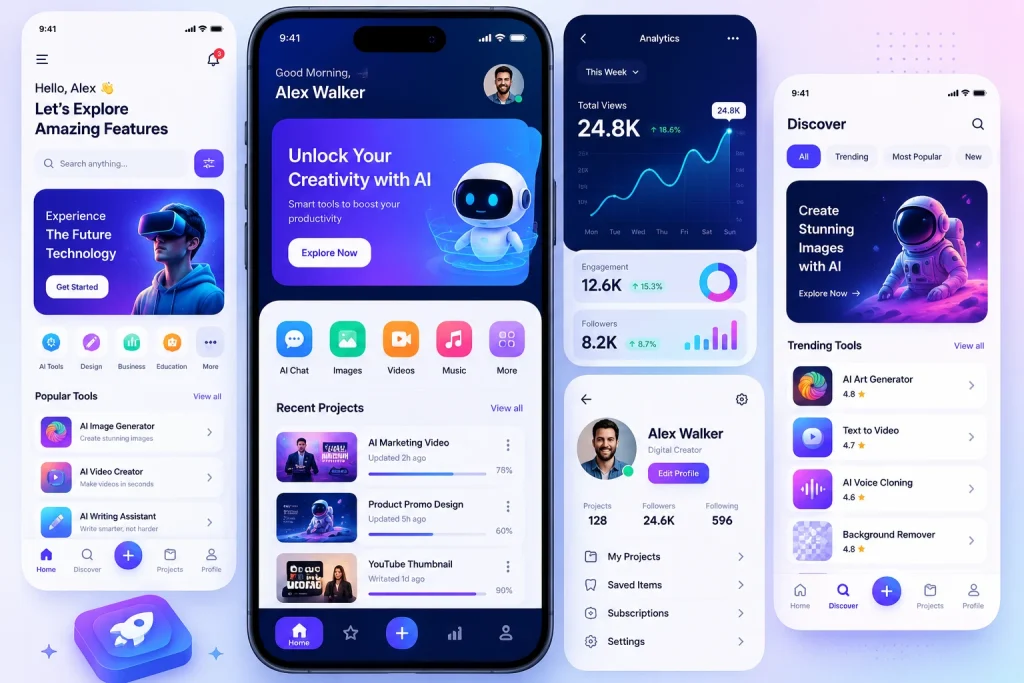
Mastering the Midjourney UI Prompt Formula
Before diving into our curated list, it is crucial to understand why raw prompts fail. If you simply type “create a mobile app for a gym,” Midjourney will generate a messy, illustrative poster instead of a clean user interface.
To force Midjourney to output realistic app mockups and website wireframes, always utilize the TechUpdateLab Prompt Formula:
[Core UI Type] + [Niche/Industry] + [Specific UI Elements] + [Design System Style] + [Aspect Ratio Toggles]
- Core UI Types: Mobile App UI, Landing Page Interface, Dashboard Analytics UI, SaaS Web App Platform.
- Design Styles: Minimalist, Glassmorphism, Neumorphism, Dark Mode Aesthetic, Material 3 Design Guidelines.
- The Secret Parameter: Always add –ar 16:9 for desktop layouts or –ar 9:16 for mobile apps at the very end of your prompt!
You can also read our 7 Best Free ChatGPT Alternatives in 2026 (Tested & Ranked)
Curated List: 20+ High-Converting Midjourney UI/UX Prompts
Category 1: Mobile App UI Mockups (–ar 9:16)
1. Crypto Wallet & FinTech Interface
Prompt: A high-end Mobile App UI design for a Cryptocurrency Wallet application, dark mode aesthetic, minimalist layout, neon purple and glowing teal accent colors, displaying crypto balance graphs, sleek transaction cards, clean typography, user profile icon, modern iOS UI style, Figma presentation –ar 9:16 –v 6.0
2. AI Smart Home Automation
Prompt: Mobile App UI layout for an AI Smart Home control dashboard, minimalist design, clean white background with soft pastel blue accents, climate control sliders, circular smart-lock button, device list grids, Apple design system, flat design vectors –ar 9:16 –style raw
3. Fitness & Workout Tracker
Prompt: Sleek Mobile App UI mockup for a fitness workout tracker, energetic neon orange and dark charcoal black theme, displaying calorie burn radial progress rings, step counter widgets, typography-focused layout, athletic dark mode aesthetic –ar 9:16
4. Premium Food Delivery & Ordering App
Prompt: A modern food delivery mobile app interface design, focus on hyper-realistic food photography placeholders, warm organic color scheme with pastel orange and white, minimalist checkout buttons, food menu category carousel cards, clean UI –ar 9:16
5. Meditation & Mental Health App
Prompt: Mobile app user interface for a mindfulness meditation app, glassmorphism design style, soft blurred frosted glass panels over a peaceful soft gradient emerald green background, minimalist icons, typography focused, soothing aesthetic –ar 9:16
Category 2: SaaS Platforms & Web Dashboards (–ar 16:9)
6. E-Commerce Analytics Command Center
Prompt: A complex desktop Dashboard UI design for an enterprise E-commerce analytics platform, clean white interface with crisp royal blue grids, bar charts, revenue line graphs, multiple metrics widgets, sidebar navigation menu, grid system, professional SaaS product –ar 16:9
7. Project Management Kanban Board
Prompt: SaaS desktop interface design for a modern agile project management tool, minimalist Trello-like Kanban board layout, clean drag-and-drop task card design, soft pastel color coding indicators, profile avatars stack, Dribbble style display –ar 16:9
8. Cybersecurity Threat Monitor (Dark Mode)
Prompt: Futuristic cybersecurity monitoring web dashboard UI, deep cyberpunk dark theme, neon red threat alert maps, digital glowing mainframe nodes, data tables with terminal fonts, matrix-style tech asset –ar 16:9 –v 6.0
9. AI Content Generator Dashboard
Prompt: Web application user interface design for an AI copywriter platform, minimalist glassmorphism interface, crisp dark sidebar menu, a large centered rich-text text editor zone with sleek floating AI prompt input panel, premium modern SaaS –ar 16:9
10. Real Estate Property Finder Panel
Prompt: SaaS platform dashboard for real estate investment tracking, split screen view showing an analytical line graph on the left and a minimalist interactive map grid on the right, high-end modern layout –ar 16:9
Category 3: High-Converting Website Landing Pages (–ar 16:9)
11. Minimalist Architectural Firm Portfolio
Prompt: A stunning landing page website interface design for a luxury minimalist architectural firm, clean layout with massive asymmetrical grid imagery, elegant serif headings, neutral beige and off-white color palette, luxurious high-end UI –ar 16:9
12. Neomorphic Cyber-Security Product Page
Prompt: Website landing page interface layout for a hardware security key, modern neumorphism design style, soft physical shadows, light gray smooth tactile layout, premium product showcase hero section –ar 16:9
13. Eco-Friendly Electric Vehicle (EV) Landing Page
Prompt: Hero section layout of a website landing page for an electric car brand, clean aesthetic with striking forest green and crisp white layout, bold modern sans-serif typography, large vehicle render placeholder, sustainable tech style –ar 16:9
14. Luxury Watch E-Commerce Storefront
Prompt: A luxurious web design layout for a high-end watch online boutique, deep pitch-black dark mode, golden accents, premium macro photography layout framing, clean navigation bars, elegant editorial web design –ar 16:9
15. Creative Digital Agency Landing Page
Prompt: Vibrant website homepage user interface design for a digital design agency, abstract floating 3D glass geometric shapes, dynamic neon color palette, clean grid layouts, bold brutalist typography layout –ar 16:9
Pro-Tips: How to Clean Up Midjourney AI Mockups for Production
While Midjourney outputs breathtaking visual concepts, it cannot generate functional vector files. Use this 3-step workflow to translate Midjourney concepts directly into real-world production layers:
- Upscale and Sharpen for Clarity: Midjourney outputs compressed graphics. Use a free tool like Upscale.media to magnify your mockup to 4K resolution. This removes artifacts and makes fine interface lines perfectly crisp.
- Use Vectorizers to Extract Assets: If Midjourney generates an incredible custom icon pack or card shape, drop the output image into an image vectorizer tool. This instantly turns flat shapes into infinitely scalable SVG paths.
- The Figma Tracing Strategy: Open Figma, place your upscaled Midjourney mockup on the canvas, set the image opacity to 40%, and lock the layer. Use this layout as a tracing template to map out perfect grids, actual vector text blocks, and production-ready components.
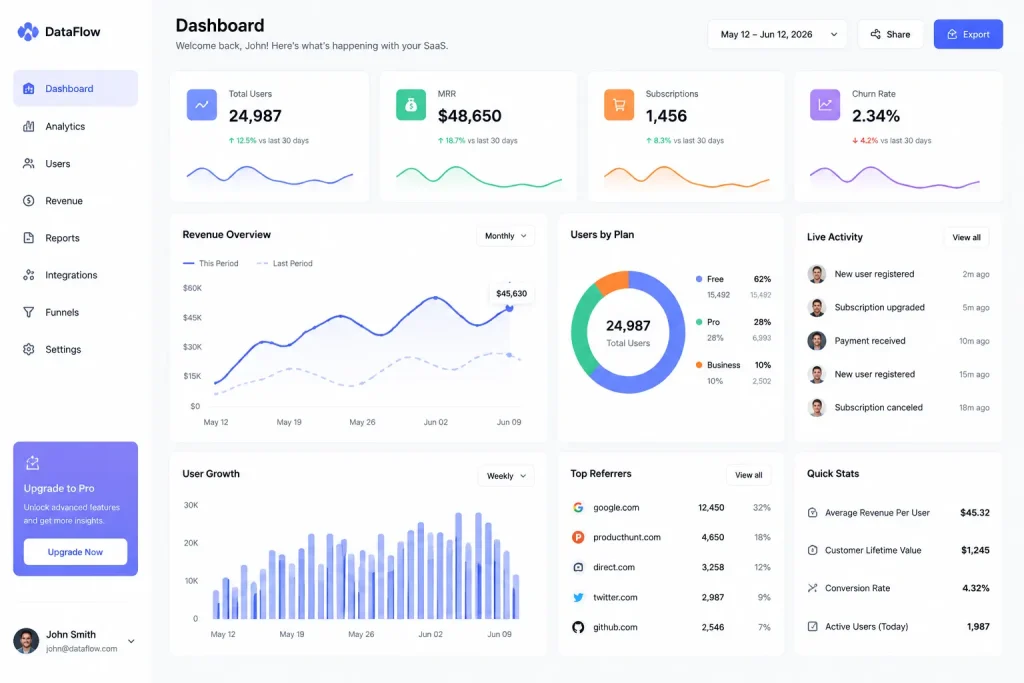
Feature Comparison Matrix: Prompt Engineering Tiers
| Design System Parameter | Midjourney Result Type | Best Use Case | Primary Benefit |
| glassmorphism | Translucent frosted glass effect over gradients | Premium SaaS & iOS apps | Delivers a high-end, futuristic look |
| minimalist clean | Massive whitespace, flat colors, clear grids | Corporate & E-commerce sites | Highly readable and easy to build |
| dark mode aesthetic | Deep charcoal/black with vivid neon accents | Crypto, AI tools & Gaming panels | Reduces eye strain; highly immersive |
| neumorphism | Soft physical shadows looking like extruded plastic | Smart home UI & Audio apps | Highly tactile, premium modern style |
Conclusion & TechUpdateLab Verdict
Midjourney shouldn’t be feared as a tool that replaces web designers; instead, think of it as a lightning-fast visual sparring partner. By utilizing these precise user interface design prompts, you can bypass hours of blank-canvas artistic block and hand over breathtaking design concepts to your web development clients on day one.
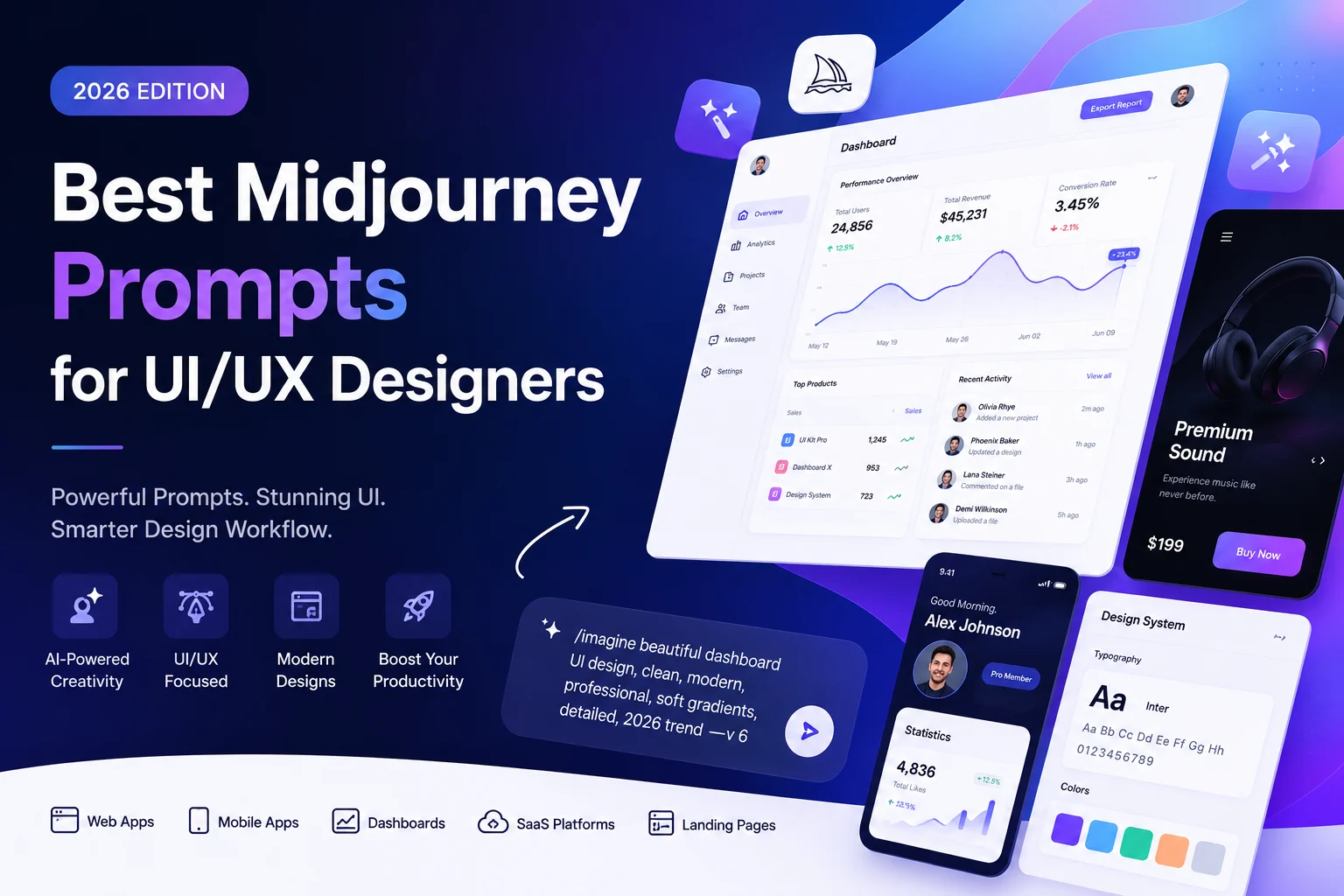
Best Midjourney Prompts for UI/UX Designers 2026
Discover the ultimate collection of 20+ Best Midjourney Prompts for UI/UX Designers in 2026, carefully crafted to help designers, developers, and creatives generate stunning, modern, and conversion-focused interface concepts with ease. In today’s fast-paced digital world, AI-powered design tools like Midjourney are transforming the way user interfaces are created, making it faster to visualize ideas, prototype layouts, and explore unique design directions without spending hours on manual drafting.
This guide is specially designed for UI/UX professionals who want to stay ahead of design trends in 2026. You will find highly optimized prompts for SaaS dashboards, mobile apps, landing pages, fintech platforms, e-commerce UI, and futuristic web experiences. Each prompt is structured to produce clean, aesthetic, and user-centered designs that improve usability and engagement.
You can also read our Best Free Video Editing Software 2026 – The Ultimate Guide for Creators
Whether you are a beginner learning UI design or an experienced designer looking to speed up your workflow, these Midjourney prompts will boost creativity, enhance productivity, and help you deliver professional-grade visuals in minutes. Perfect for freelancers, agencies, and product teams aiming to impress clients and improve design presentations.
By using these prompts, you can unlock unlimited UI/UX design possibilities, generate high-quality mockups instantly, and stay competitive in the evolving AI design landscape of 2026.
Frequently Asked Questions (FAQs)
Can I copy-paste Midjourney UI code directly into a browser?
No. Midjourney generates flat raster images (PNG/JPG layouts), not actual HTML, CSS, or React code blocks. You must use the image as a reference or tracing model inside your code editor or layout tools like Figma.
What version of Midjourney is best for clean user interfaces?
Midjourney v6 and v7 are optimized for typography and grid structures, meaning they produce far straighter rows and sharper layout frames than older legacy versions.